A PDF that is too large to email or upload is a common headache, especially with job portals, exam forms, and email services that cap attachment size. The good news is that most PDFs can be reduced under 1 MB without making the text unreadable. This guide explains why PDFs get large and how to shrink them to 1 MB, 500 KB, or even 200 KB.
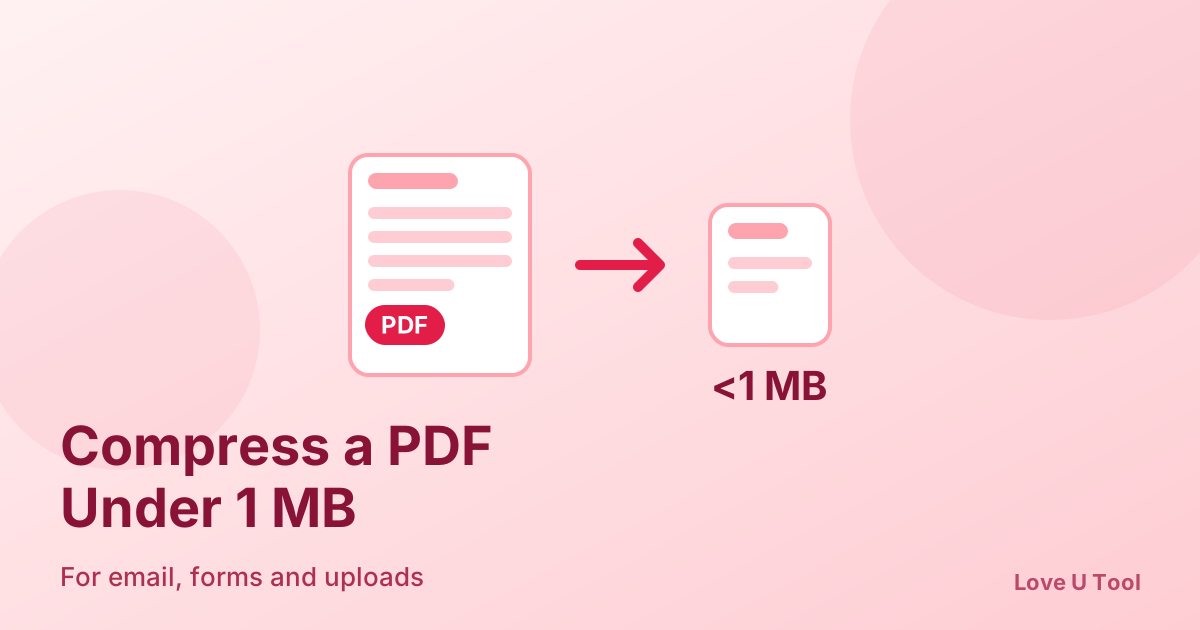
How to compress a PDF to under 1 MB (quick answer)
- Open the PDF Compressor on Love U Tool.
- Add your PDF file. It is processed in your browser and not uploaded.
- Choose a compression level and compress.
- Check the new size and download the file. If it is still too big, try a stronger level or split the document.
Why PDFs get so large
- High-resolution images or scanned pages are the biggest cause, because each page is stored as a large picture.
- Embedded fonts add weight, especially when a document uses many typefaces.
- Merging several files adds up their sizes.
- Photos pasted from a phone camera are often 3–8 MB each before they go into the PDF.
Tips to reach 1 MB, 500 KB, or 200 KB
- Under 1 MB: a standard compression pass is usually enough for text-based PDFs.
- Under 500 KB: use stronger compression, and compress or resize any large images first.
- Under 200 KB: scans are the hard case. Reduce image dimensions, convert pages to grayscale where colour is not needed, and split very long documents.
Text-only PDFs are already small, so size problems almost always come from images. Shrinking the pictures before building the PDF often works better than compressing afterwards. Use the Image Compressor on your photos first, then create the document with JPG to PDF.
How to keep text readable after compression
After compressing, zoom in to 100% and read a page of small text. If it looks blurry or blocky, use a lighter level. For official documents, signatures, and stamps, prefer a moderate setting over the smallest possible size.
If the PDF is still too large
Split the document into two or more parts with the PDF Splitter and send them separately, or remove pages you do not need. Many portals accept several smaller files more easily than one huge one.
Frequently asked questions about compressing PDFs
Does compressing a PDF reduce quality?
It can reduce image quality slightly, but text usually stays sharp. A light or medium setting is normally hard to tell apart from the original.
How do I compress a PDF for email?
Check your email provider’s attachment limit, compress the file with the PDF Compressor until it is comfortably below it, and send. If it is still too large, split it into parts.
Is it safe to compress a PDF online?
With Love U Tool the compression runs in your browser, so your document is not sent to a server.
Why is my scanned PDF so big?
Each page of a scan is a full-size image. Lower the scan resolution, use grayscale where possible, and compress the final PDF to bring it down.