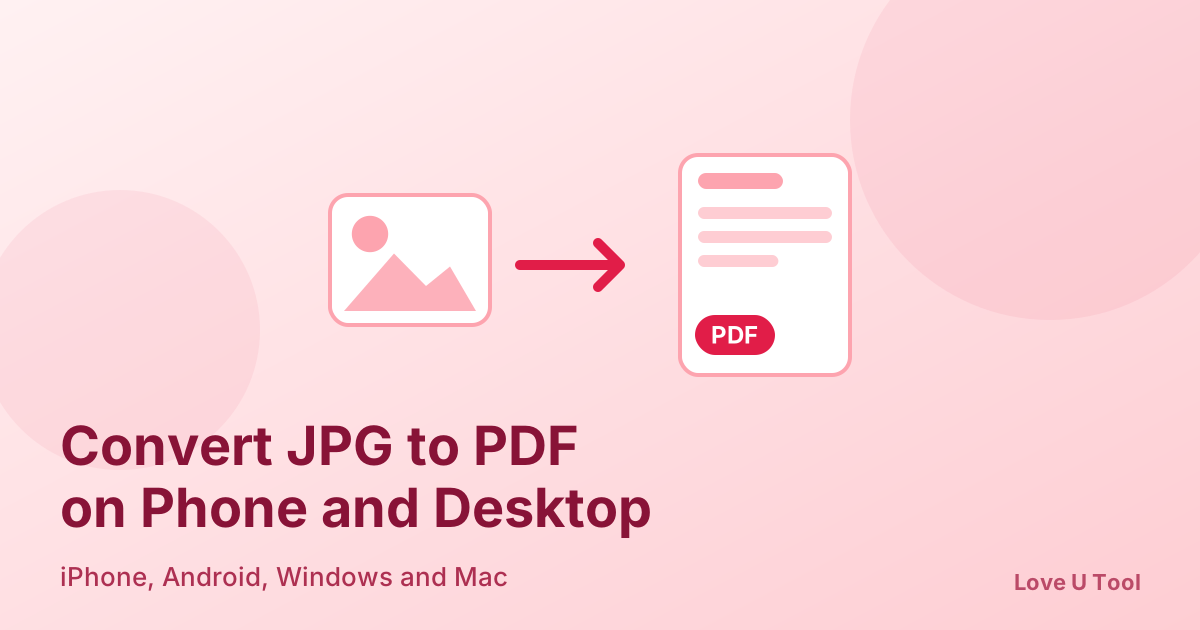
Need to turn photos or scans into a PDF? You can convert one or many JPG images into a single PDF in seconds, on iPhone, Android, Windows, or Mac, without installing an app or creating an account. Here is how to do it and how to get the pages in the right order and size.
How to convert JPG to PDF online (step by step)
- Open the JPG to PDF tool on Love U Tool.
- Select one or more JPG images from your device.
- Drag the images into the order you want the pages to appear.
- Click convert and download your PDF.
The conversion runs inside your browser, so your photos are not uploaded. That matters for ID cards, certificates, receipts, and other personal documents.
Convert JPG to PDF on iPhone and Android
Open the tool in Safari (iPhone) or Chrome (Android), tap to choose photos from your gallery or Files app, arrange them, and convert. The PDF is saved to your device and ready to share by email or messaging apps. No separate app is required.
Convert JPG to PDF on Windows and Mac
On a computer the steps are identical: open the tool in any modern browser, drag your images in, set the order, and download. It is faster than hunting for a desktop program, and it works the same on Windows, macOS, and Linux.
Combine multiple images into one PDF
Add all your photos at once, then reorder them before converting. Each image becomes one page. For a document with several sections, such as an application, you can also convert each part separately and join them with the PDF Merger.
Tips for better results
- Rename files with numbers (01, 02, 03) so they sort correctly.
- Photograph documents in good light, flat, and straight on to avoid shadows and skew.
- Compress very large photos first with the Image Compressor, so the PDF stays small enough to email.
- Check every page after converting to make sure nothing is cut off.
Frequently asked questions about JPG to PDF
Does converting JPG to PDF reduce image quality?
The images are placed into the PDF without noticeable loss. If the file is too large, you can compress it afterwards with the PDF Compressor.
Can I convert PNG images to PDF too?
If the tool does not accept PNG directly, convert the image to JPG first with the PNG to JPG tool, then create the PDF.
How do I turn a PDF back into images?
Use PDF to JPG to export each page as an image.
Is there a watermark or signup?
No. The tool is free, works without an account, and does not add a watermark.