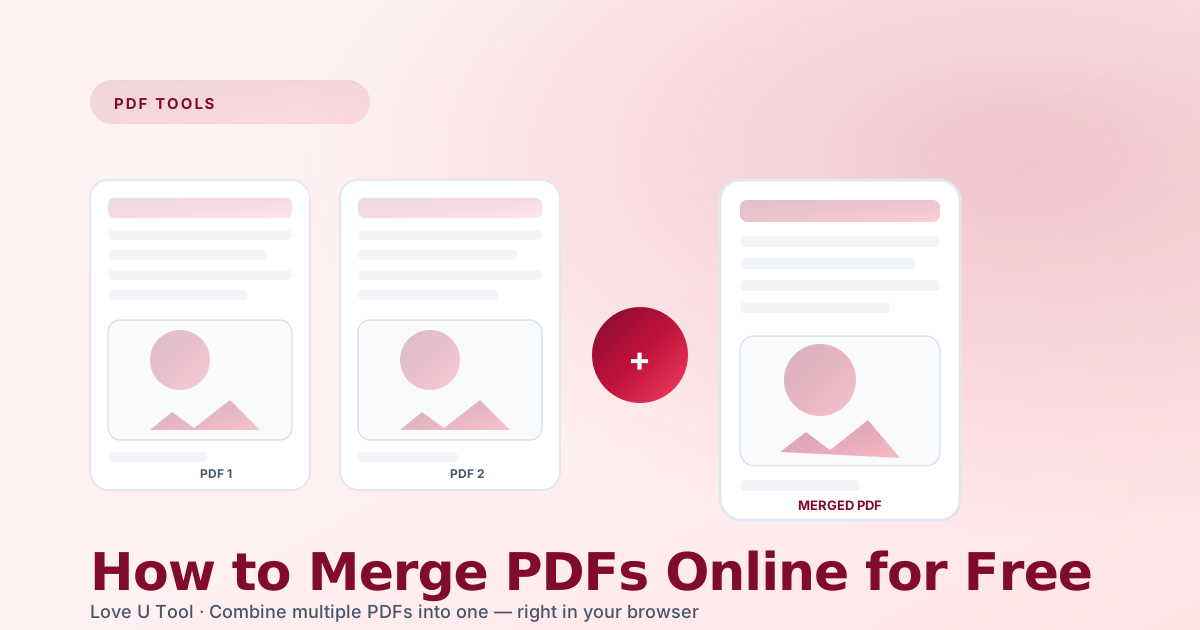
At work you deal with PDFs constantly — invoices from finance, contracts from legal, reports from operations, forms from HR. Putting them together into a single package before you send them out looks more professional and prevents attachments from getting lost in transit. Merging PDFs sounds complicated, but with the right free tool it takes literally three clicks.
Why merge PDF files instead of zipping them?
- The recipient gets one download, one open, one consistent reading experience.
- No unzip step required on mobile — every phone opens a PDF attachment natively.
- Page numbers and table of contents behave like a real document.
- Smaller combined size than individual attachments in most mail clients.
Merging PDFs online — the fast way
- Head over to the PDF Merger on Love U Tool.
- Drop all the PDFs you want to combine; you can drag them to reorder.
- Click “Merge PDFs” and download the combined file immediately.
- The job runs 100 % in your browser — nothing is uploaded to any server.
Order matters — how to arrange pages
Contracts always go: cover letter, agreement, exhibits, appendices. Reports usually open with the executive summary. Before clicking merge, take ten seconds and ask yourself “if I were reading this on a phone, what order would I want?” Drag and drop the files around in the uploader until it reads naturally.
After the merge: split or trim pages
Sometimes you merge too much, or you only need pages 3–8 of a 40-page contract. Our PDF Splitter lets you extract a page range or burst every page into its own file. Pair it with the PDF Compressor if the final file still feels heavy.
“Privacy first means we never see your document. Every merge happens on your device, every download is local.”
Related PDF workflows
Two operations make up roughly 80 % of real-world PDF work. First: convert a stack of JPG scans into a single PDF (JPG to PDF). Second: pull individual pages back out as images so you can paste them into a slide deck (PDF to JPG). Love U Tool covers both.