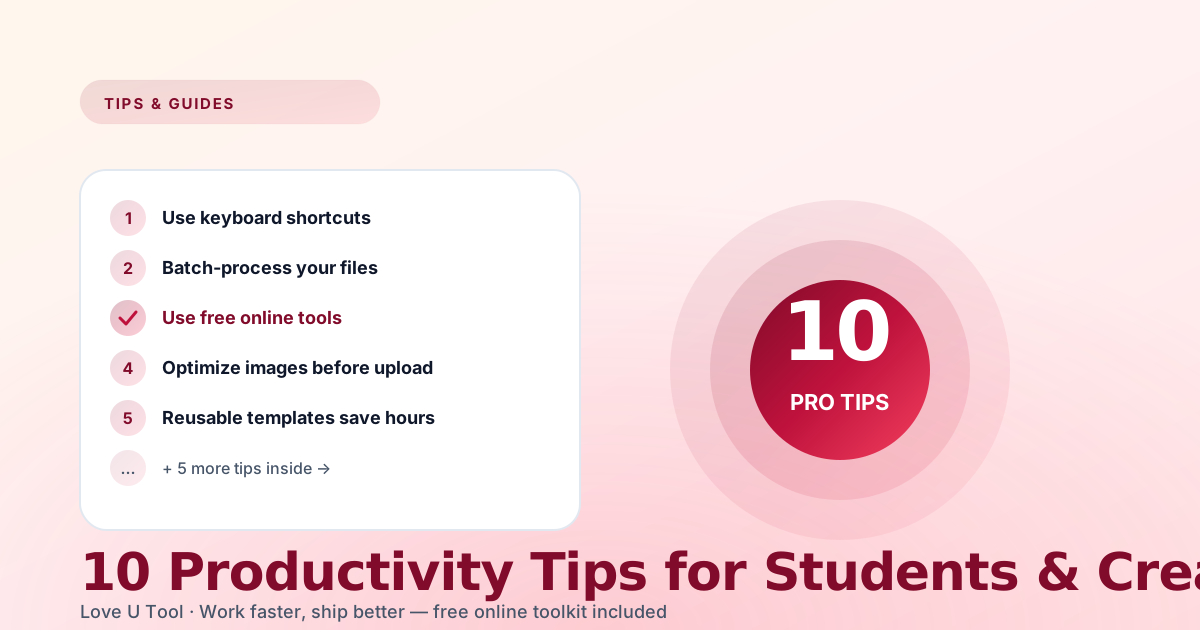
Looking for practical productivity tips for students and creators? Some people get twice as much done each week, and it is rarely because they work twice as hard. They have simply built a few small habits that compound over time. Here are ten you can start using this week to manage your time, cut repetitive tasks, and spend more energy on the work that actually matters.
1. Batch tasks instead of reacting all day
Email, chats, and notifications are a constant context-switching tax. Pick two 20-minute windows per day (for example 11:00 and 16:30) and handle all reactive work then. Everything else becomes protected deep-work time, which is especially useful for studying, writing, editing, and design.
2. Learn one keyboard shortcut per week
Choose a single shortcut, such as Ctrl+K to search in VS Code or Ctrl+Shift+T to reopen a closed Chrome tab, and use it every time for seven days. After a month you have four new reflexes, and after a year you have fifty. Small speed-ups add up across thousands of daily actions.
3. Use free browser tools instead of heavy apps
Before installing another app, ask whether the job is really a two-click task. Resizing images, formatting JSON, merging PDFs, and generating QR codes can all be done in the browser with no install and no account. Bookmark a single free tool site like Love U Tool and you have most of these jobs covered.
4. Compress files before you send them
Nobody wants an 8 MB screenshot or a 24 MB slide deck in their inbox. A five-second pass through the Image Compressor and PDF Compressor makes your files load faster, fit upload limits, and get opened more often.
5. Build templates for anything you repeat
If you write the same email three times, save it as a template. If you format the same report or assignment every week, keep a blank skeleton ready. Templates save more time than almost any other habit on this list.
6. Apply the two-minute rule
Popularized by the Getting Things Done method: if a task takes less than two minutes, do it immediately instead of adding it to your list. Replying to a short message, filing a document, or renaming a file is faster to finish than to track.
7. Do a 30-minute weekly review
Pick a regular slot, such as Sunday evening. Clear old bookmarks, close stale tabs, update your resume or portfolio with something new, and drop one recurring commitment that no longer helps you. Half an hour a week stops clutter from piling up and gives you a clear plan for the days ahead.
8. Make “let me check my calendar” your default answer
Instead of agreeing on the spot to every new request, say you will check your schedule and reply later. After a day, you will often realise the commitment is not worth your time. Protect your calendar the way you would protect a portfolio you are curating.
9. Use numbers instead of guesses
Do not guess whether your text fits a character limit. Paste it into a Word Counter or Character Counter. Do not guess whether a discount is good. Run it through a Percentage Calculator. A few seconds of checking prevents avoidable mistakes in essays, captions, applications, and budgets.
10. End each day with a shutdown routine
Close your work tabs, write one line about tomorrow’s first task, and shut the laptop. Closing the loop every evening reduces that nagging “did I forget something?” feeling and makes it easier to start fast the next morning.
“Productivity is not about doing more. It is about doing the right things faster, then stopping.”
How to start: pick two habits, not ten
Trying to change everything at once usually fails. Choose two tips that fit your routine, such as batching messages and using templates, and practice them for two weeks. Once they feel automatic, add the next one.
Frequently asked questions about productivity
What is the best productivity tip for students?
Batching distractions and protecting focused study blocks has the biggest impact for most students. Check messages in set windows and keep your study sessions interruption-free.
How can creators save time on repetitive work?
Use templates, keyboard shortcuts, and quick browser tools for routine jobs like resizing and compressing images, merging PDFs, and checking text length, so your energy goes into creating.
How long does it take to build a new productivity habit?
It varies from person to person, but starting with one small habit and repeating it daily for a few weeks is far more effective than adopting many at once.